Business goals
Increase Employee Productivity
Search within all company knowledge bases (Jira, Slack, Google suit, etc.), and a variety of tools integrations.
Enhance Training and Onboarding
Provide interactive and personalized training modules.
Improve Employee Engagement
The notification feature ensures employees stay informed about critical updates, policy changes, and more.
Value proposition
Enterprises
Streamlined operations, reduced training costs, and higher employee satisfaction.
Employees
A user-friendly tool that aids in task completion and finding company knowledge.
The old design issues
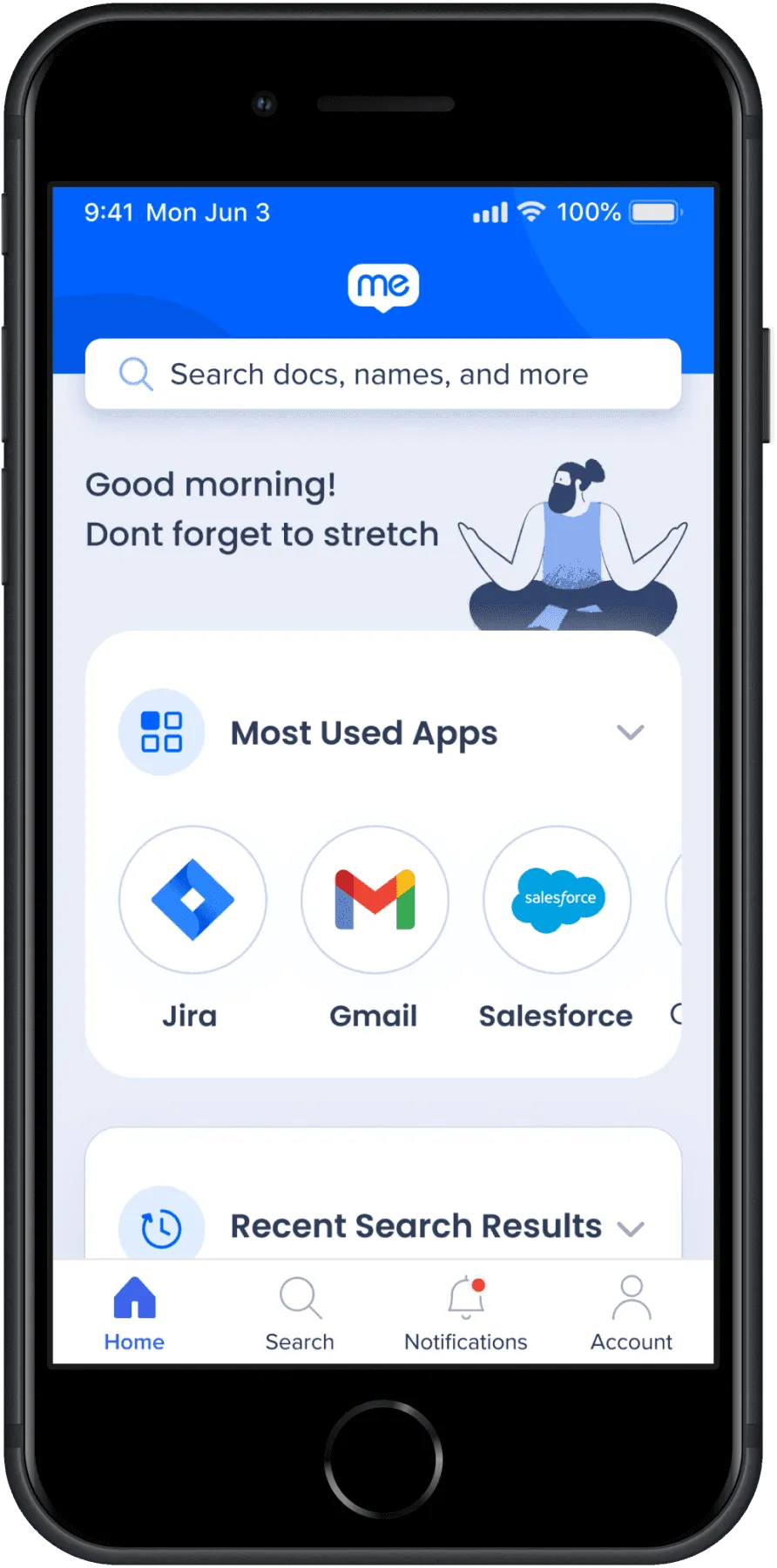
Hidden items and data due to real-estate misusage
User needs to scroll down to see more options and features.
Not scaleable, with expectancy of 6 additional integrations per Quarter
Every integration should be added to the home screen, worsening the problem.
No personalized workspace options
Every user has different needs and usage. In the old design, there was no option for changing the workspace.
Process
My first step was to identify the business goal and potential customers. Then, I did internal research inside the company regarding their usage on the current Workstation, desktop, and mobile. After gathering some feedback, along with my day-to-day design tasks, I started working on a solution for issues that came up from users taking an account the product roadmap.
Two types of users
- Employees with access to a computer in their daily work.
- Deskless workers, Employees with no access to a computer in their daily work, such as delivery persons.
Problem Statement
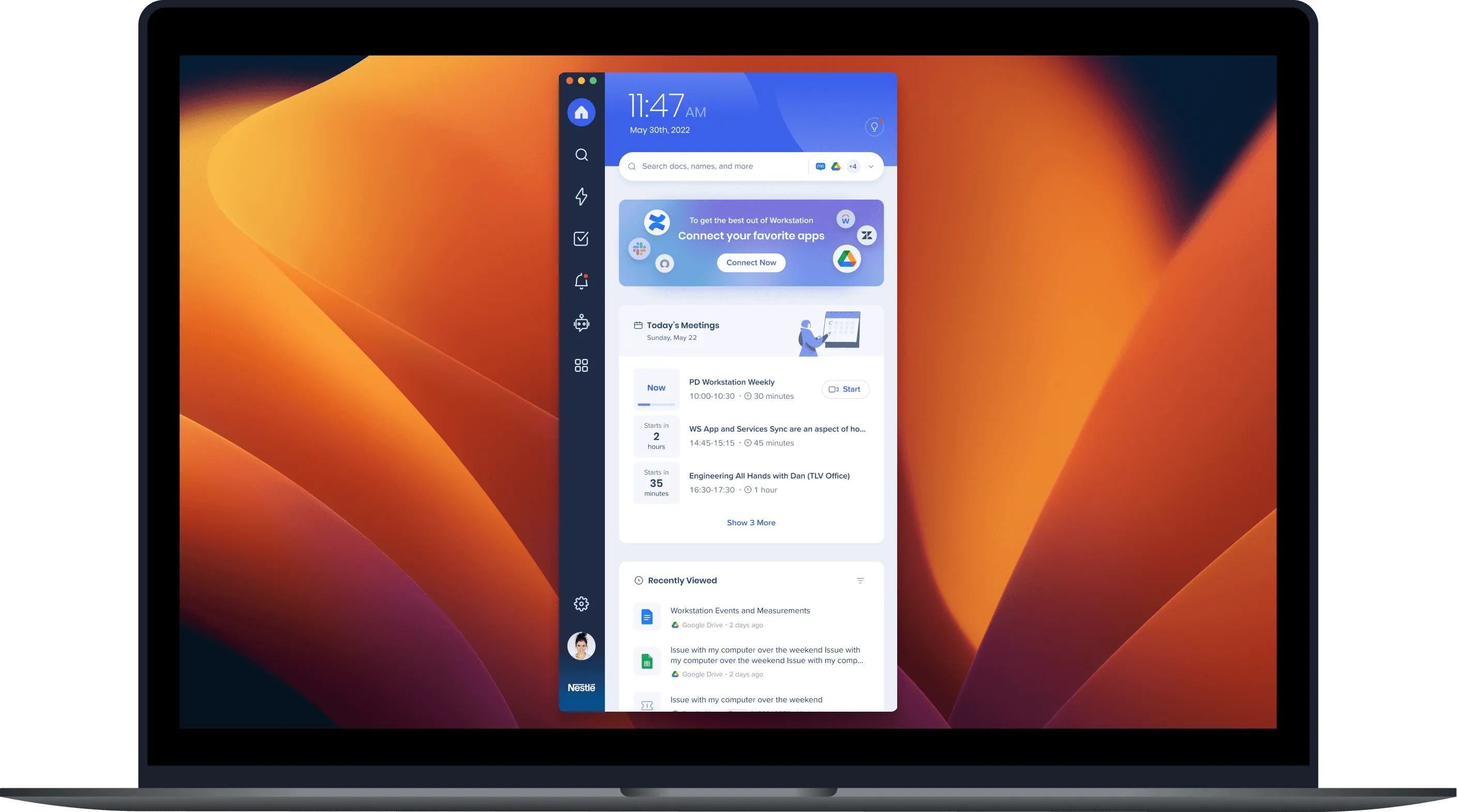
While Walkme Workstation is a popular desktop tool, it lacks an excellent mobile counterpart. The challenge was to design a mobile app that reflected the simplicity and effectiveness of the desktop version while offering the convenience of on-the-go access.
User research
Information Architecture - Open Card Sorting
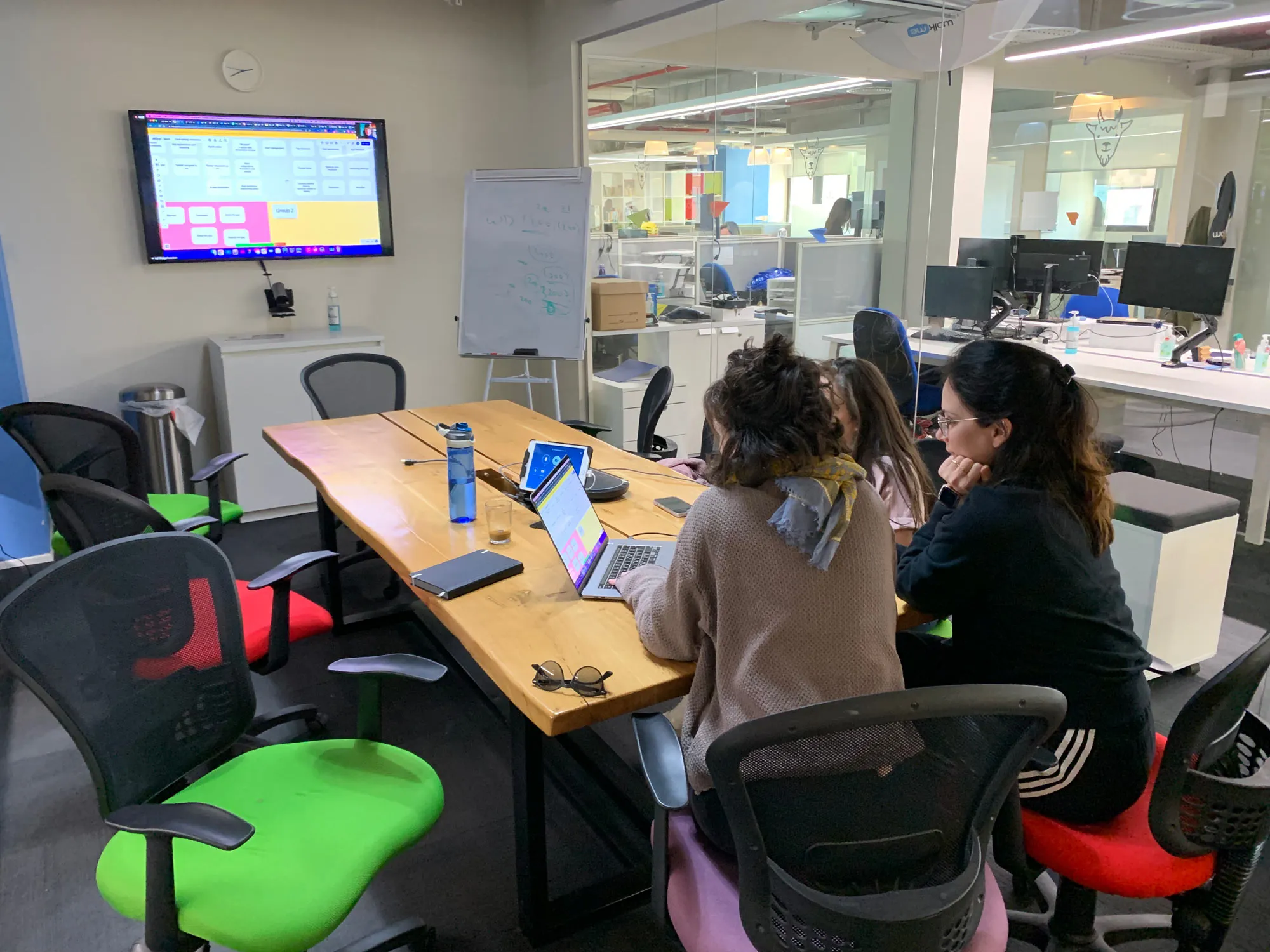
To find significant issues with the current design, I ran an open card sorting with nine people from different backgrounds using Google Sheets. I chose this method since I wanted to understand where users expect to see different features and options of the app. I’ve created a short video that explains how to use the template and gather all results
Notable revelations
- Very inconsistent groupings
- Some users created an entire group for one item.
Survey and an open slack channel for feedback
I also conducted a user survey regarding current users’ satisfaction and requests for future features. This helped me understand pain points and what are the repeating requests.
Notable revelations:
- Search is one of the most used feature
- There are a lot of performance issues (Crashes and slow initialization
- Salesforce integration was the number 1 request (Ticket statuses & more actions)
Key Findings
- Users needed a quick and easy access to their tasks, messages, and project updates.
- Users are looking for seamless integration with other tools they use at work.
- Users found the app’s interface cluttered and navigation confusing.
- Many users felt that the app lacked personalization options.
Based on the findings, I approached my redesign in three steps: Information architecture, Core features, and Visual design.
Sketches and idea validation
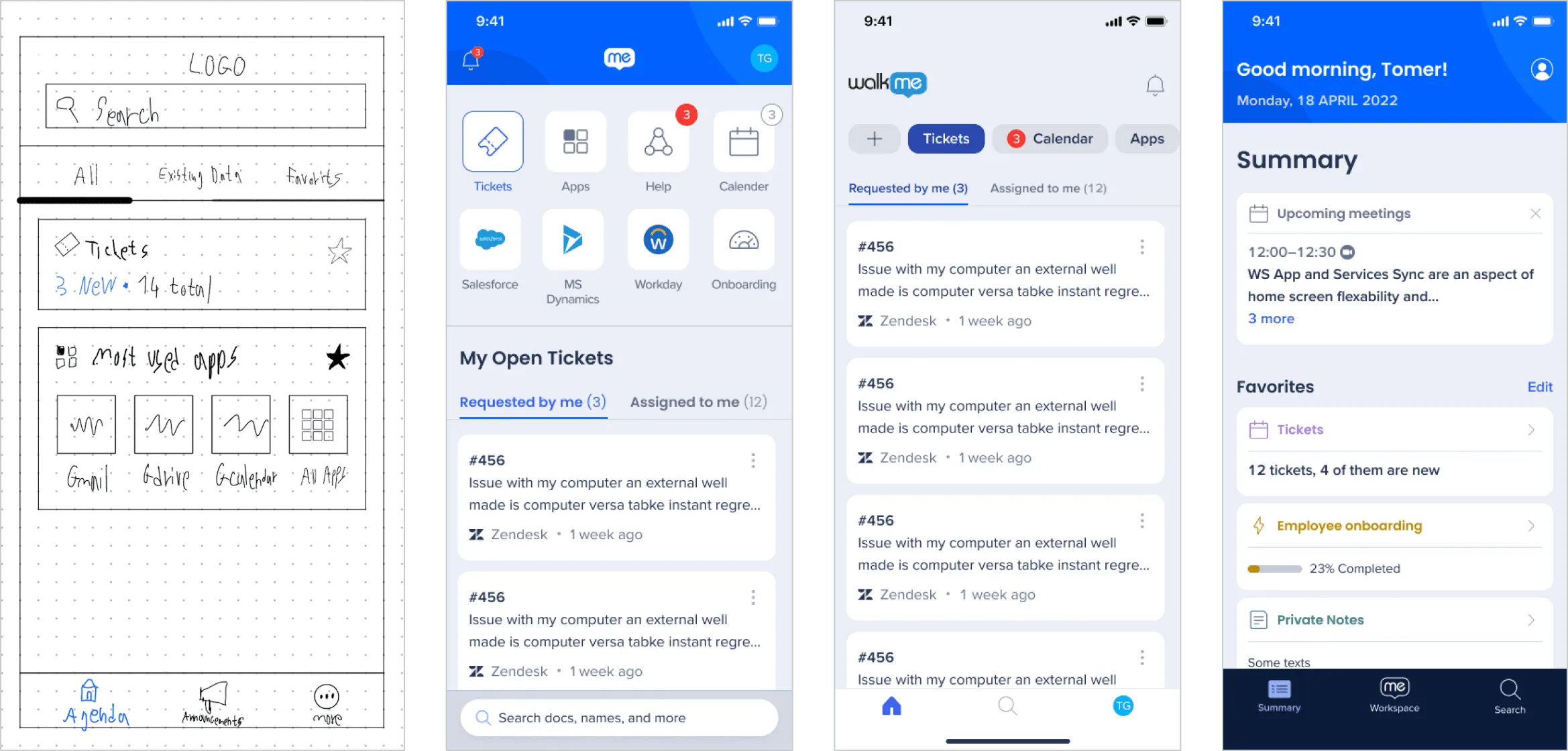
I sought feedback by creating many sketches, wireframes and running quick usability tests with random users.
Solution
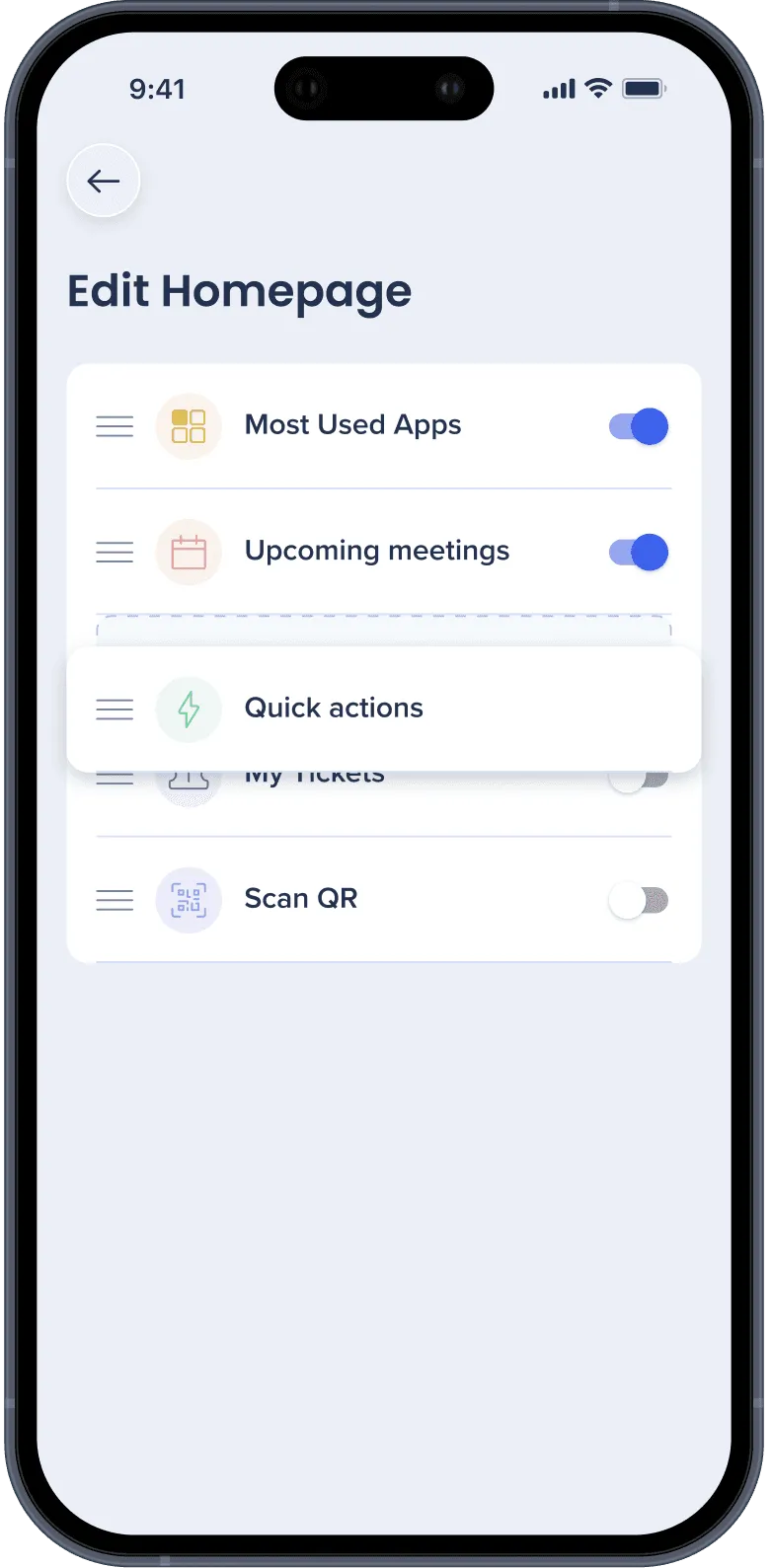
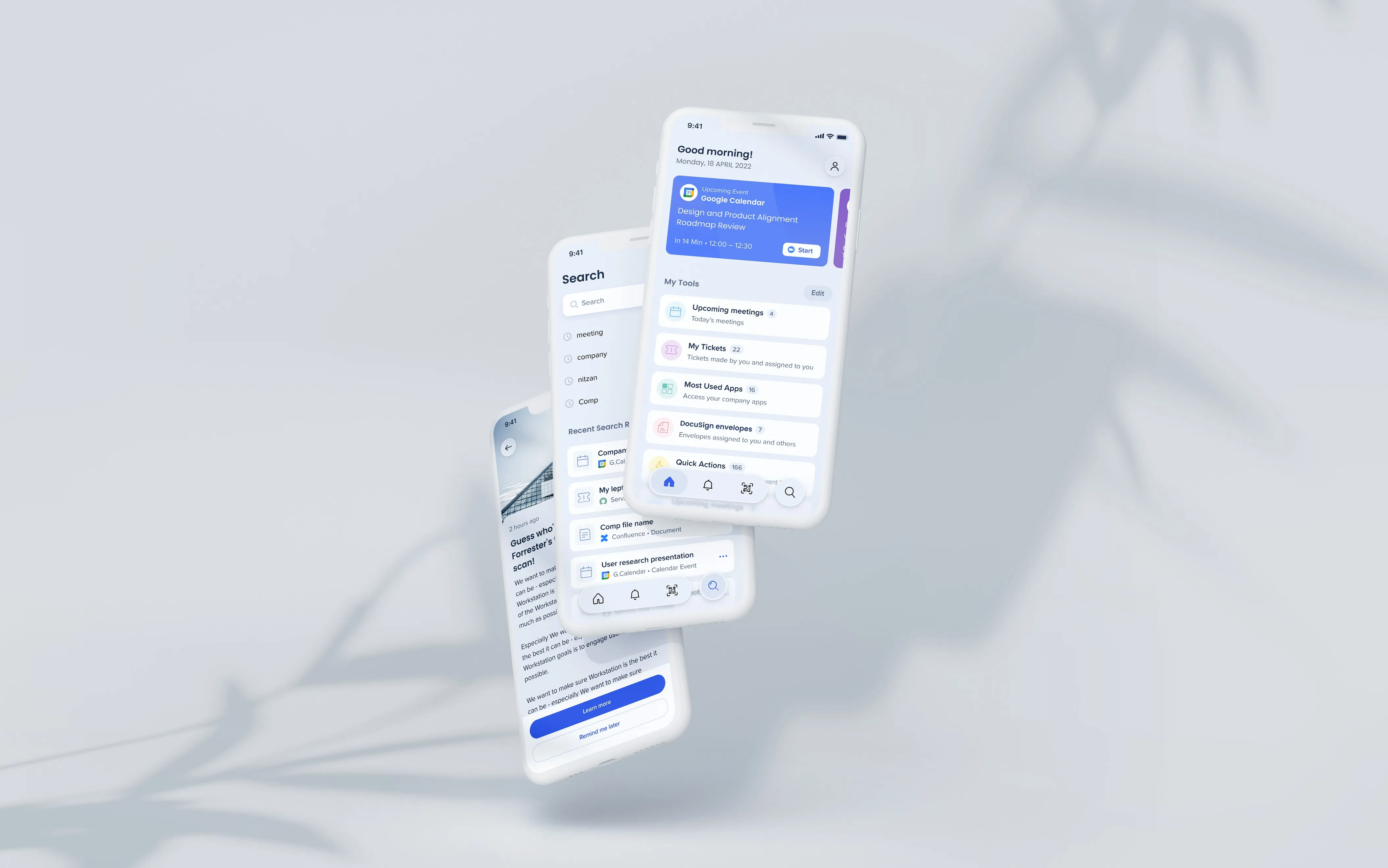
Personalized workspace
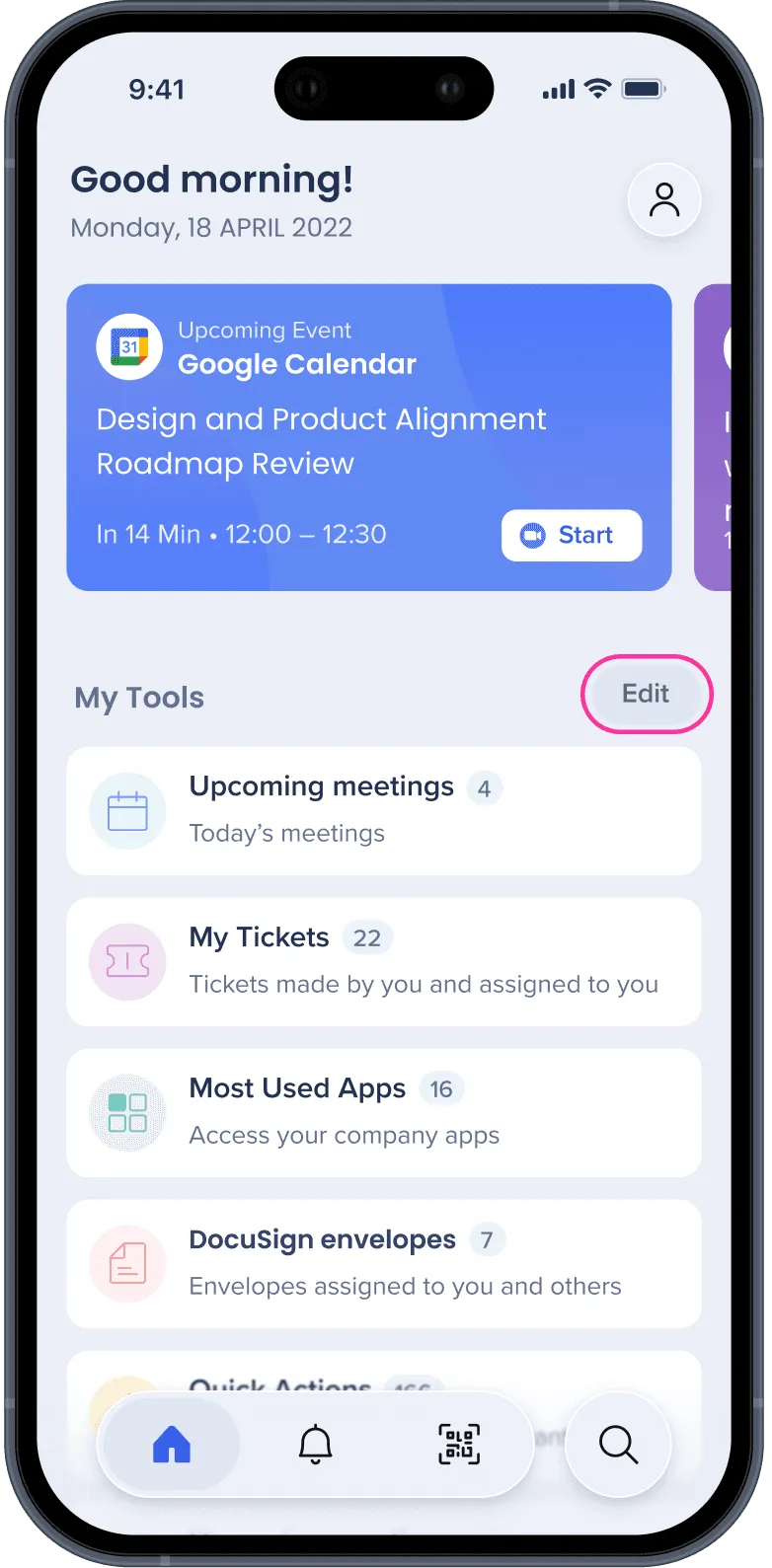
Every user might have a different Workflow. Therefore I’ve created Homepage edit options so users can choose the order of widgets and whether to see it or not.
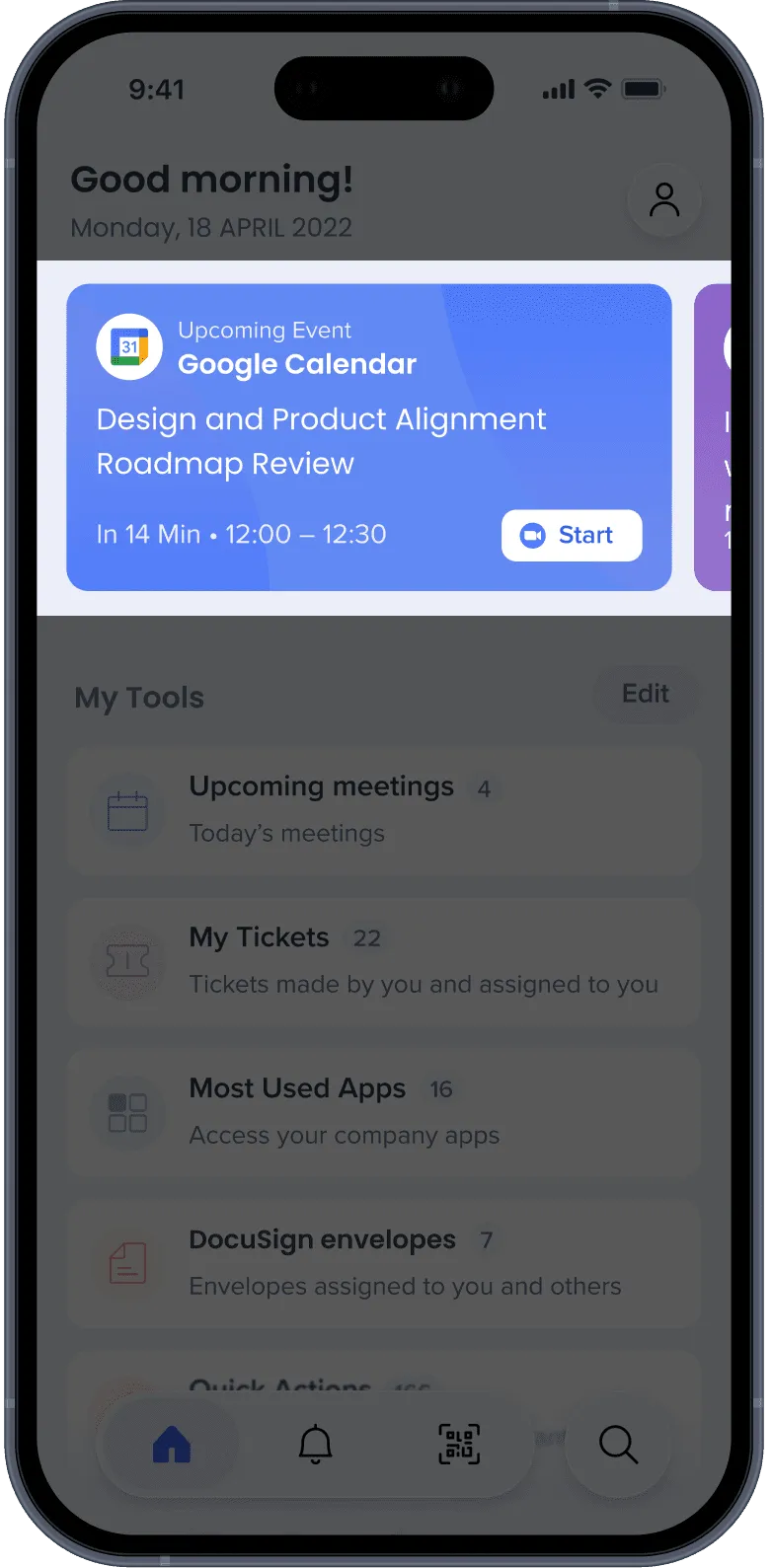
Area for highlights
Displaying the user relevant information based on urgency, timing, and user preference
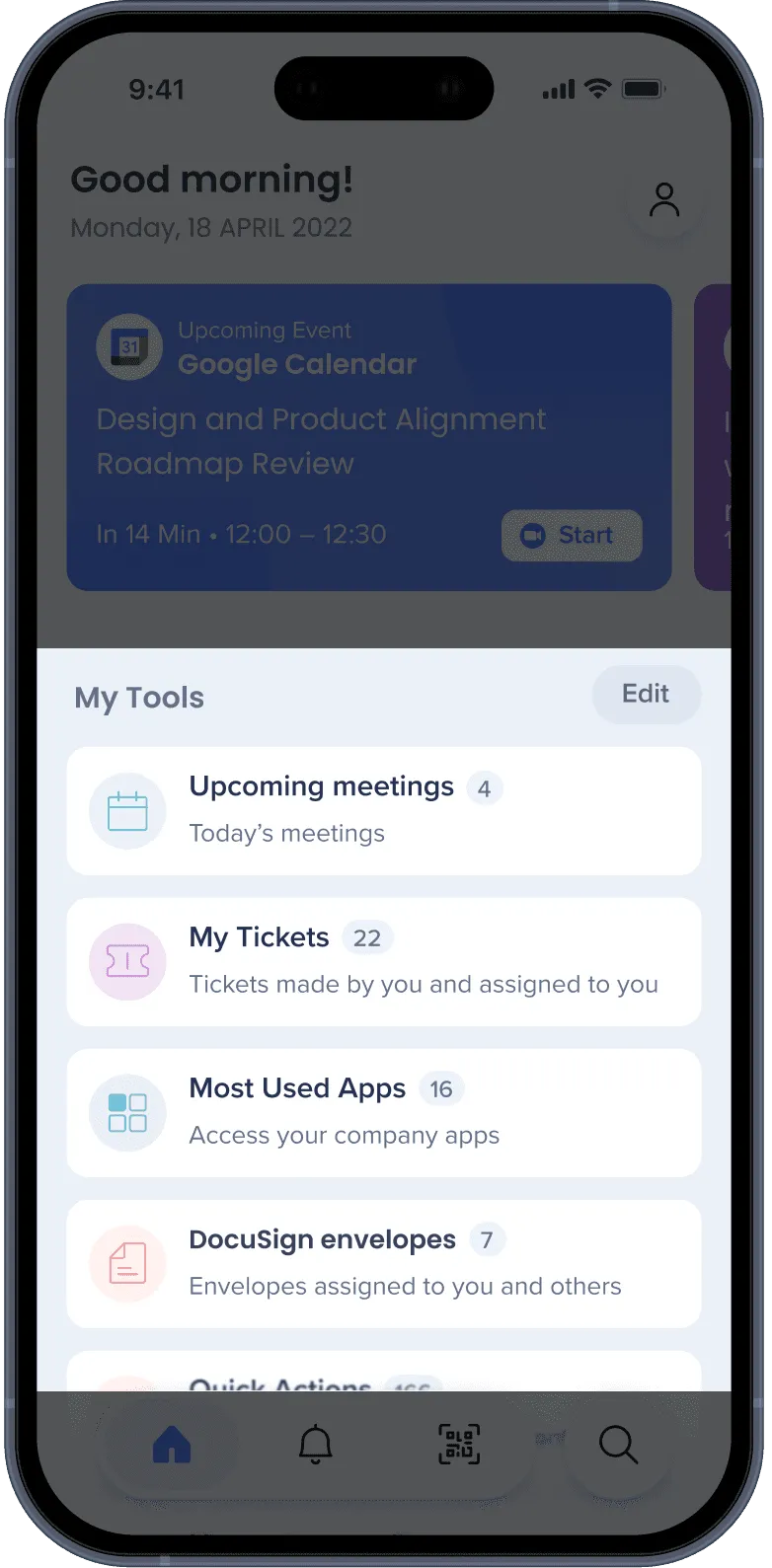
Overview at a glance
Each widget shows the number of items inside of it. This leads to better space usage and gives the user an idea of what is needed to be done without entering each widget.
Testing the new design & Feedback
- Users loved the simplicity of the design and found navigation intuitive.
- The integration with other tools was highly appreciated.
- Some users requested further customization options for task management.
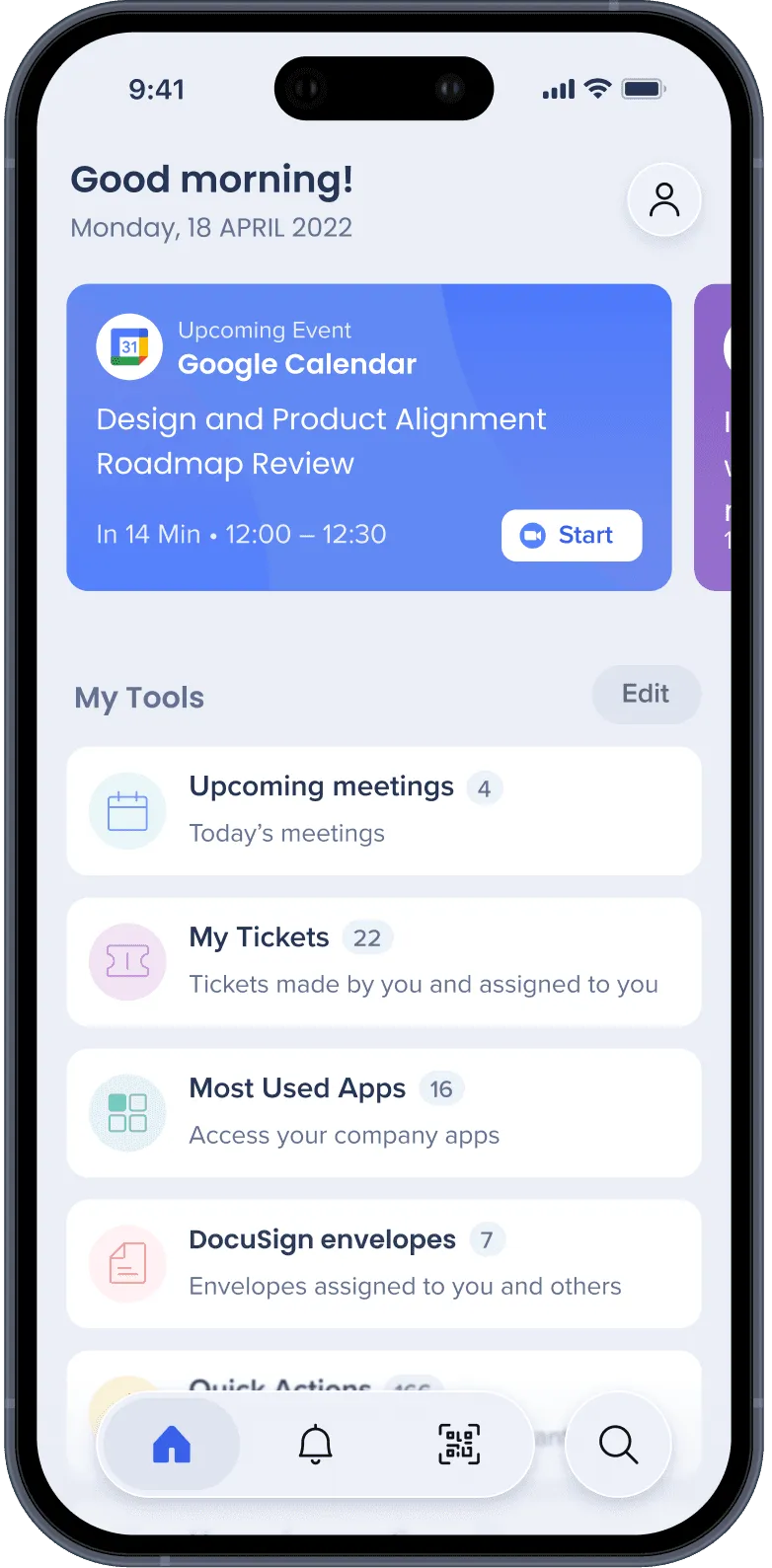
Selected screens
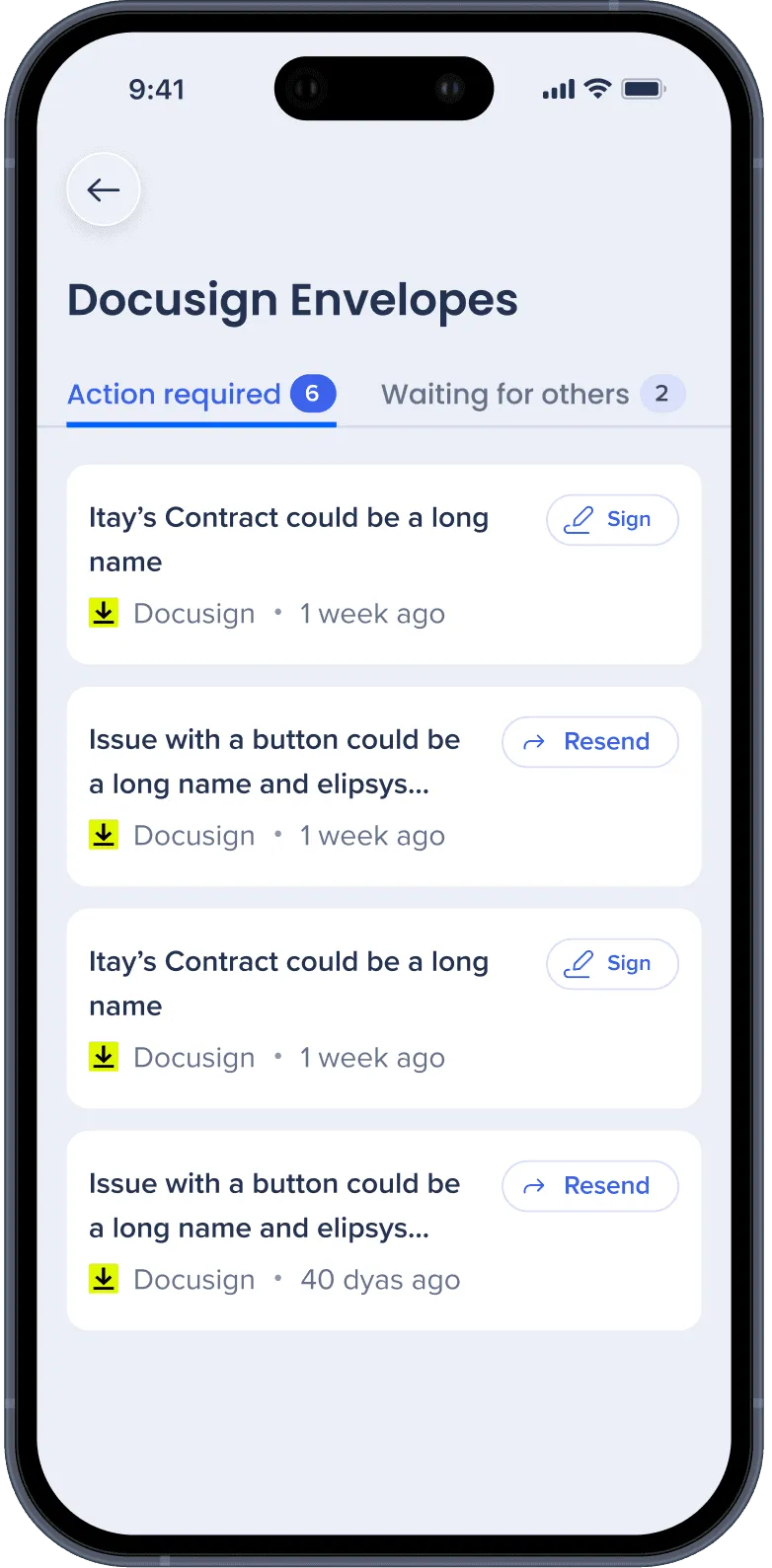
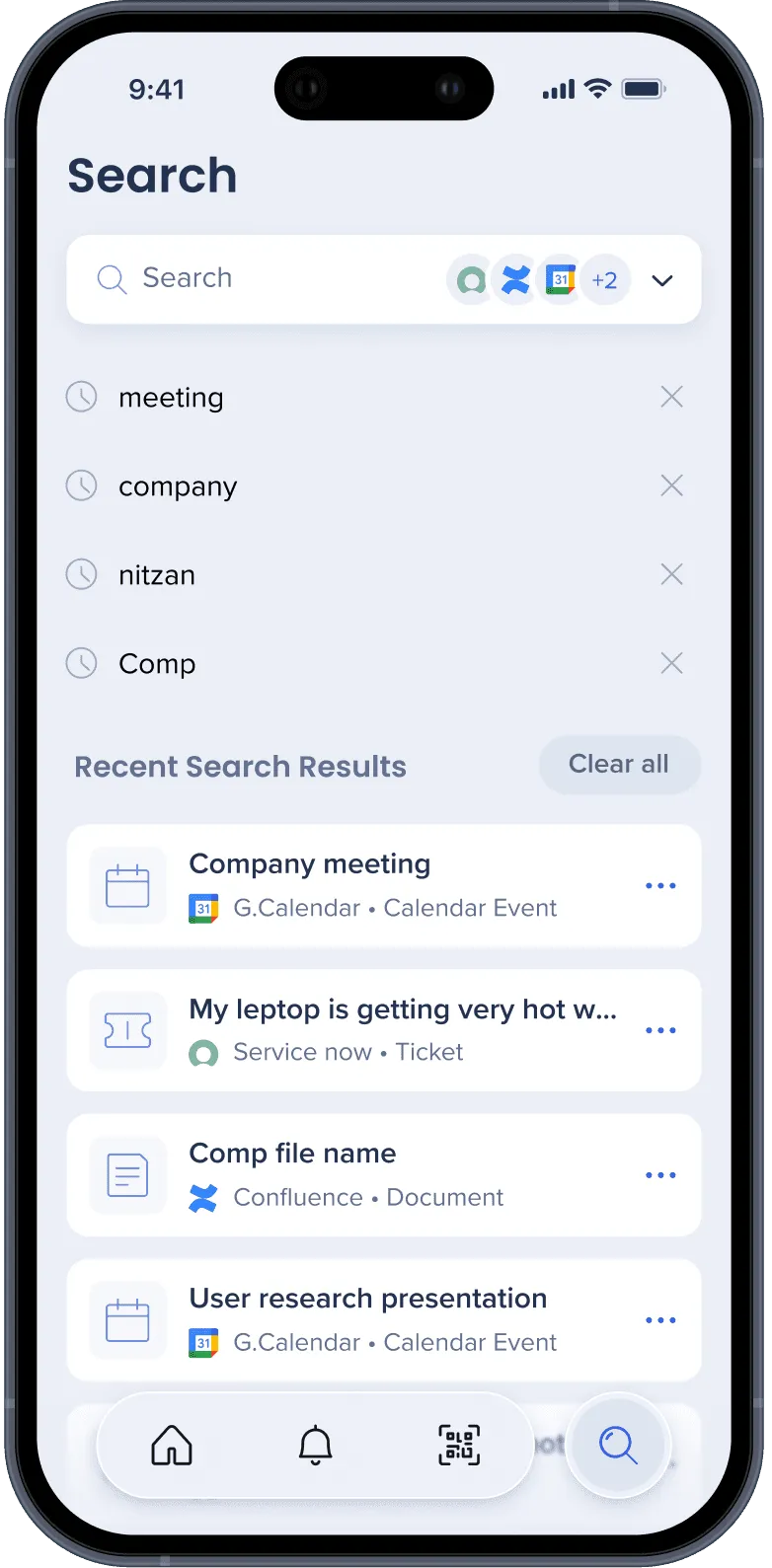
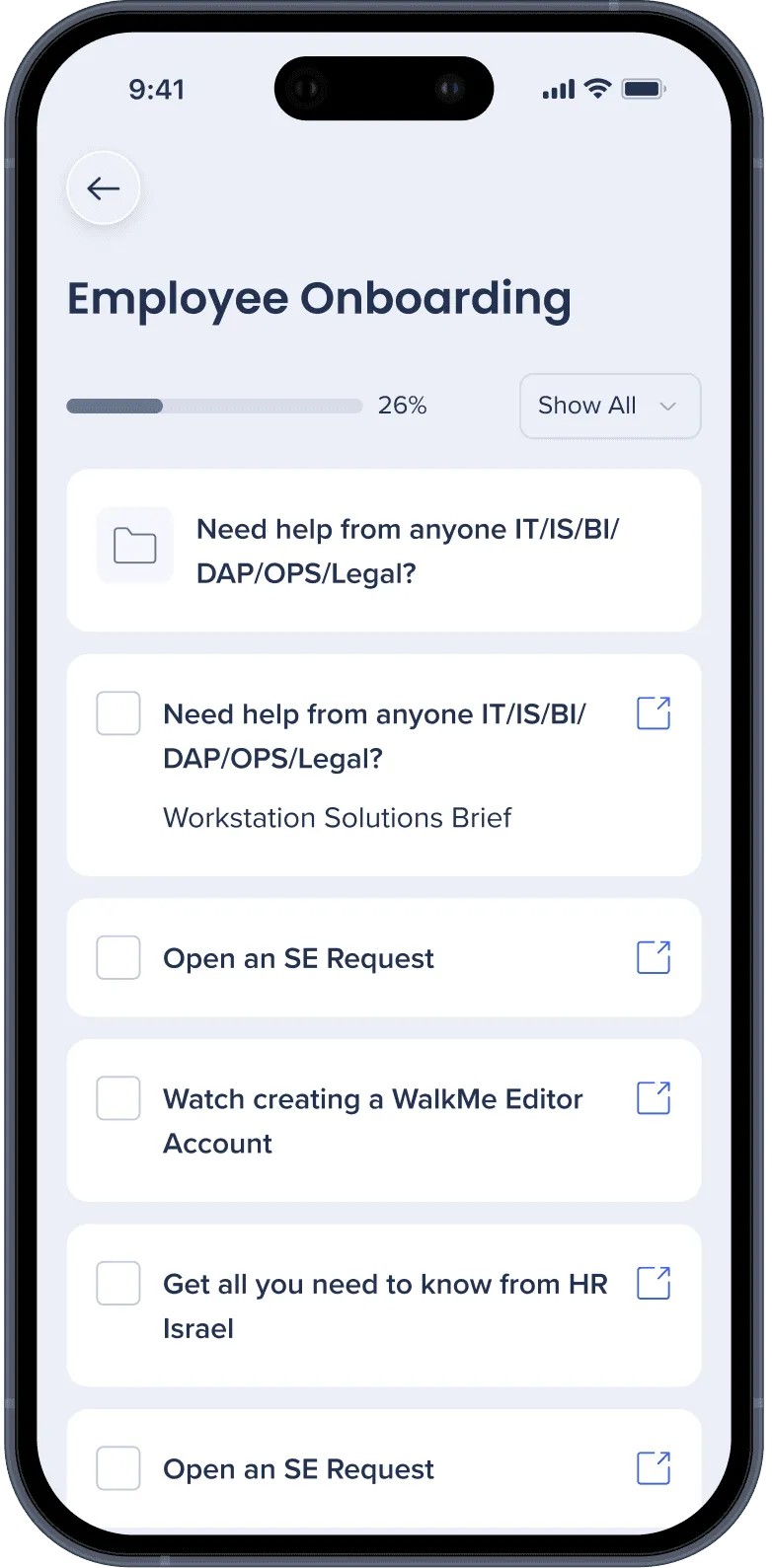
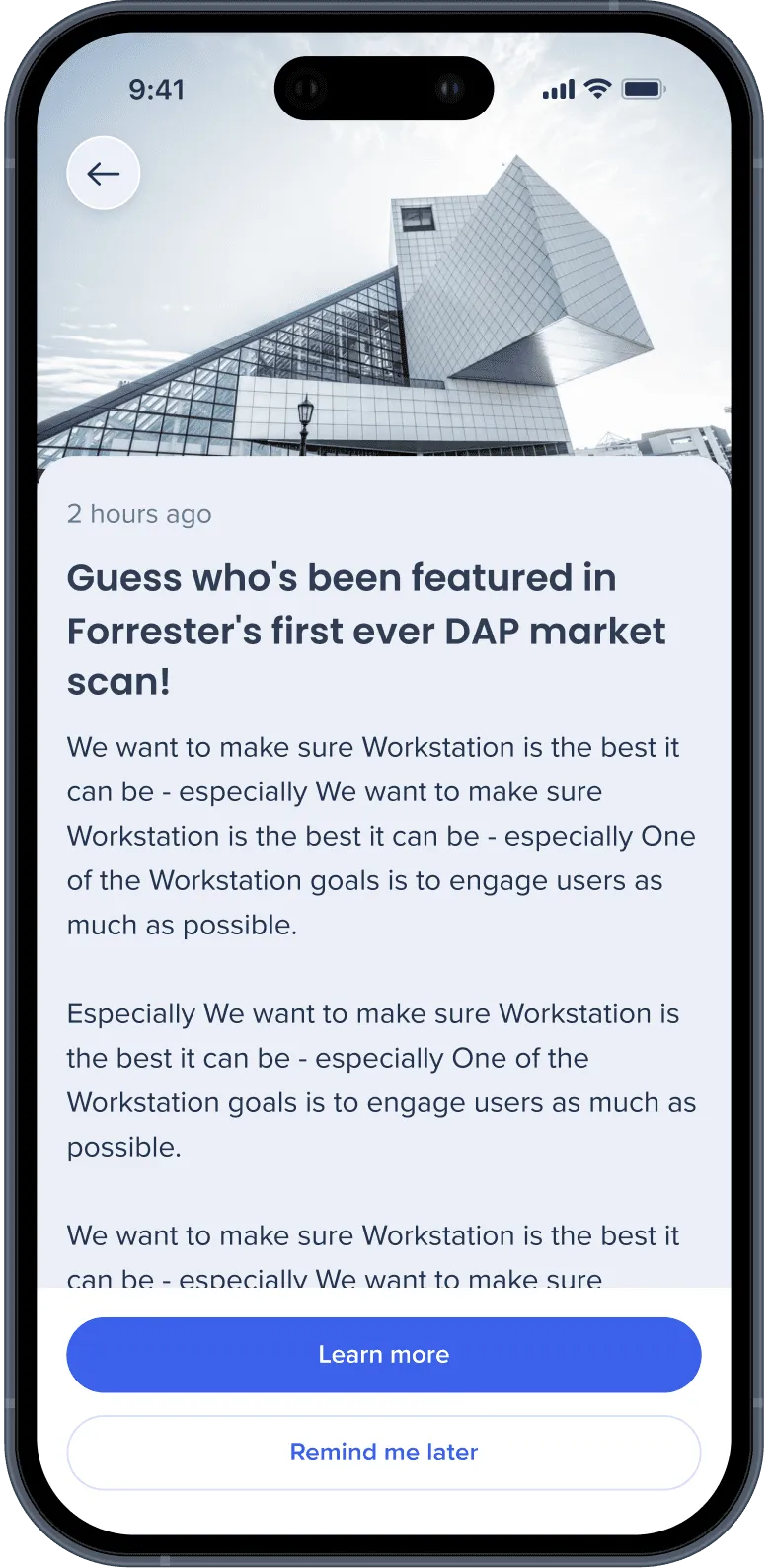
Accomplishments
- I successfully improved WalkMe’s Workstation user satisfaction from 55% to 74% after the redesign.
- I have successfully translated the robust functionality of the Walkme Workstation desktop version into a mobile platform.
- The app’s daily active users increased by +18% after the redesign.
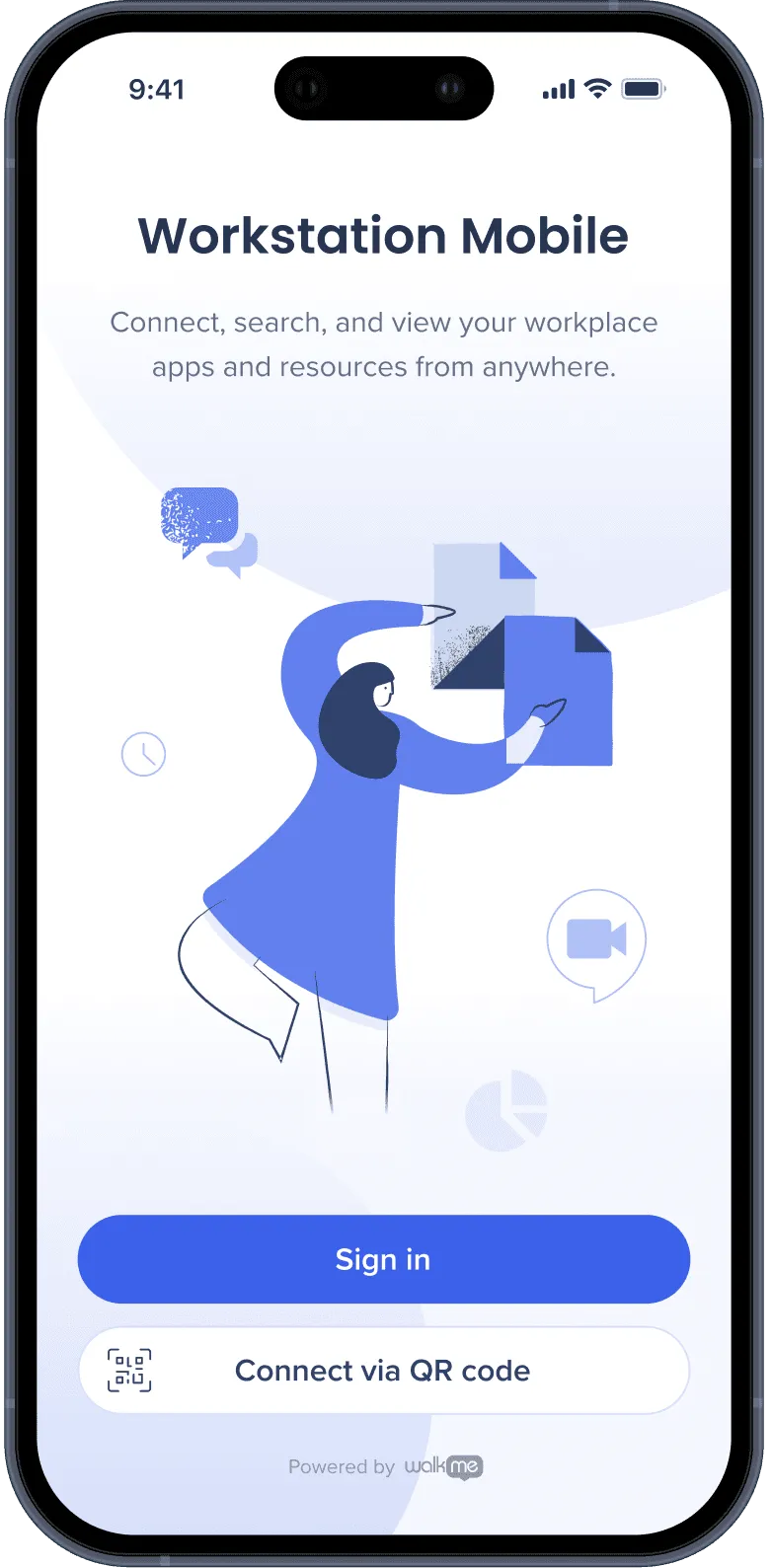
- I significantly improved the sign-in experience by streamlining the process and eliminating the need for desktop authentication. This initiative lowered the barrier of entry, enabling users to directly engage with the mobile app without any prerequisite steps on the desktop version.
55% → 74%
WalkMe Workstation user satisfaction after the redesign
+18%
Daily active users after the redesign
Mobile
Translated the desktop platform's robust functionality into a mobile experience
Reflections
Early feedback
It is important to seek feedback frequently. Luckily, I frequently met with stakeholders to discuss sketches, ideas, low fidelity mockups, and high-fidelity mockups and kept them with me in the process.
Internal users
We are still getting feedback from internal users, and soon this product will go public. It’ll be interesting to see how users from different roles and companies would use this app and the future improvements to come.
Other research and impact I’ve made in Walkme
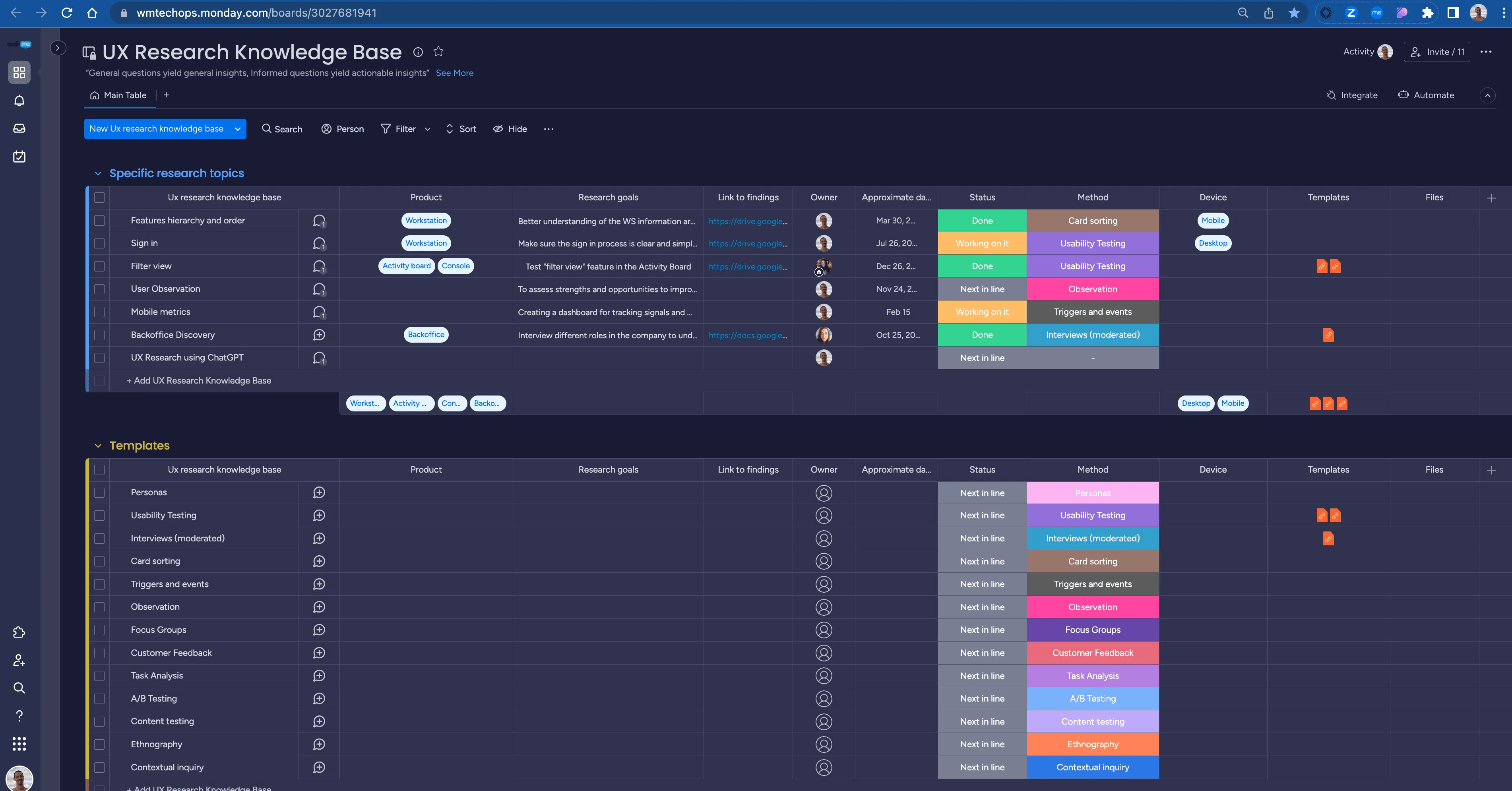
In addition, I developed an efficient internal research hub, curating and consolidating all user research conducted within the company.